Recognizing the Window Warning
The cockpit view below shows the red window warning banner and the prompt to hold F.
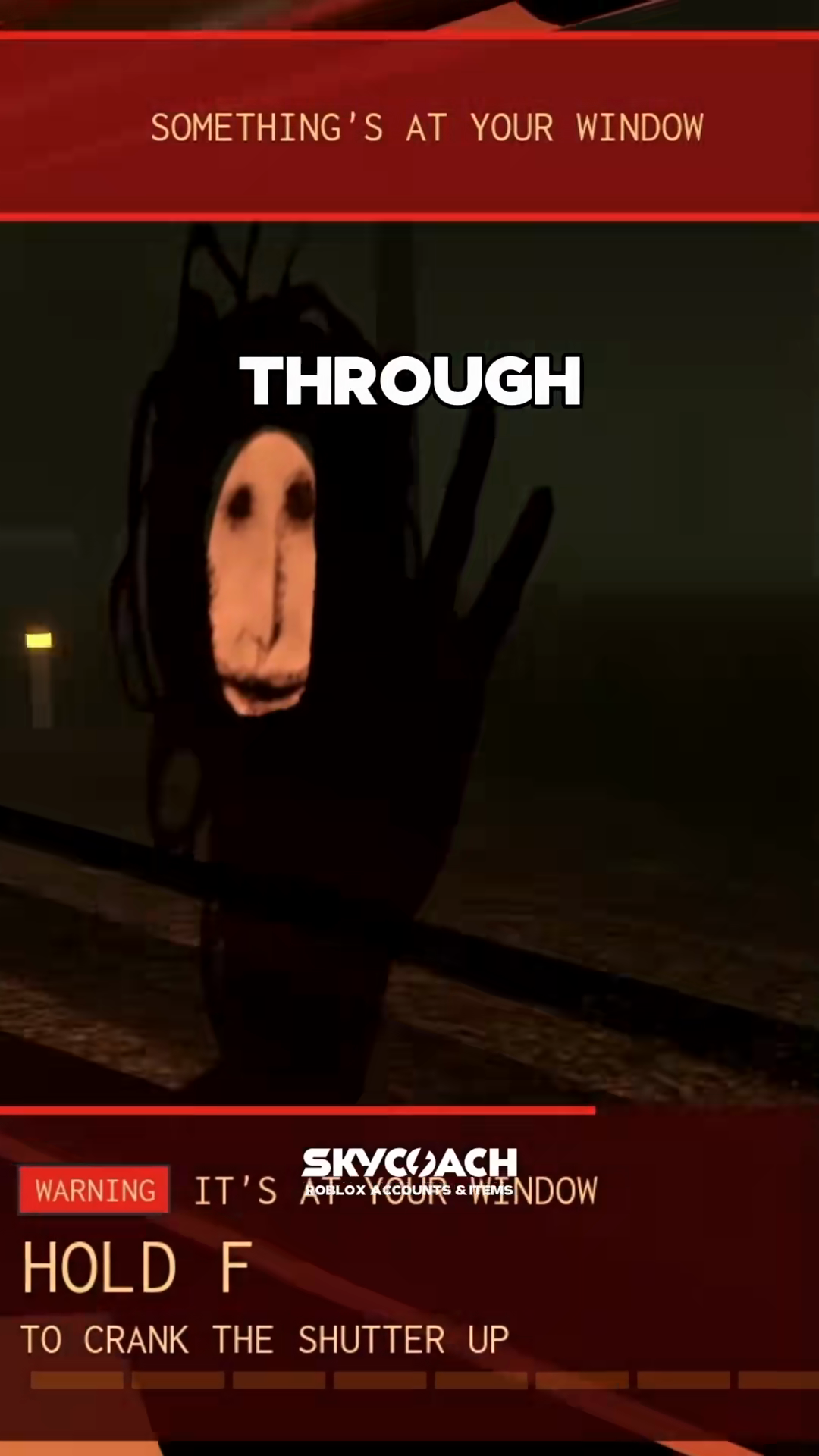
The window encounter appears abruptly during a run:
- Visual Cues: A dark, elongated figure appears directly outside the side window.
- The Red Alert Banner: A red banner displays near the top of the windshield reading
WARNING IT'S AT YOUR WINDOWorSOMETHING'S AT YOUR WINDOW. - The Interaction Prompt: Text appears near the bottom of your screen:
HOLD F TO CRANK THE SHUTTER UP, accompanied by a progress bar.
Executing the Hold F Defense
The progress indicator displays cranking progress while the vehicle continues along the highway.
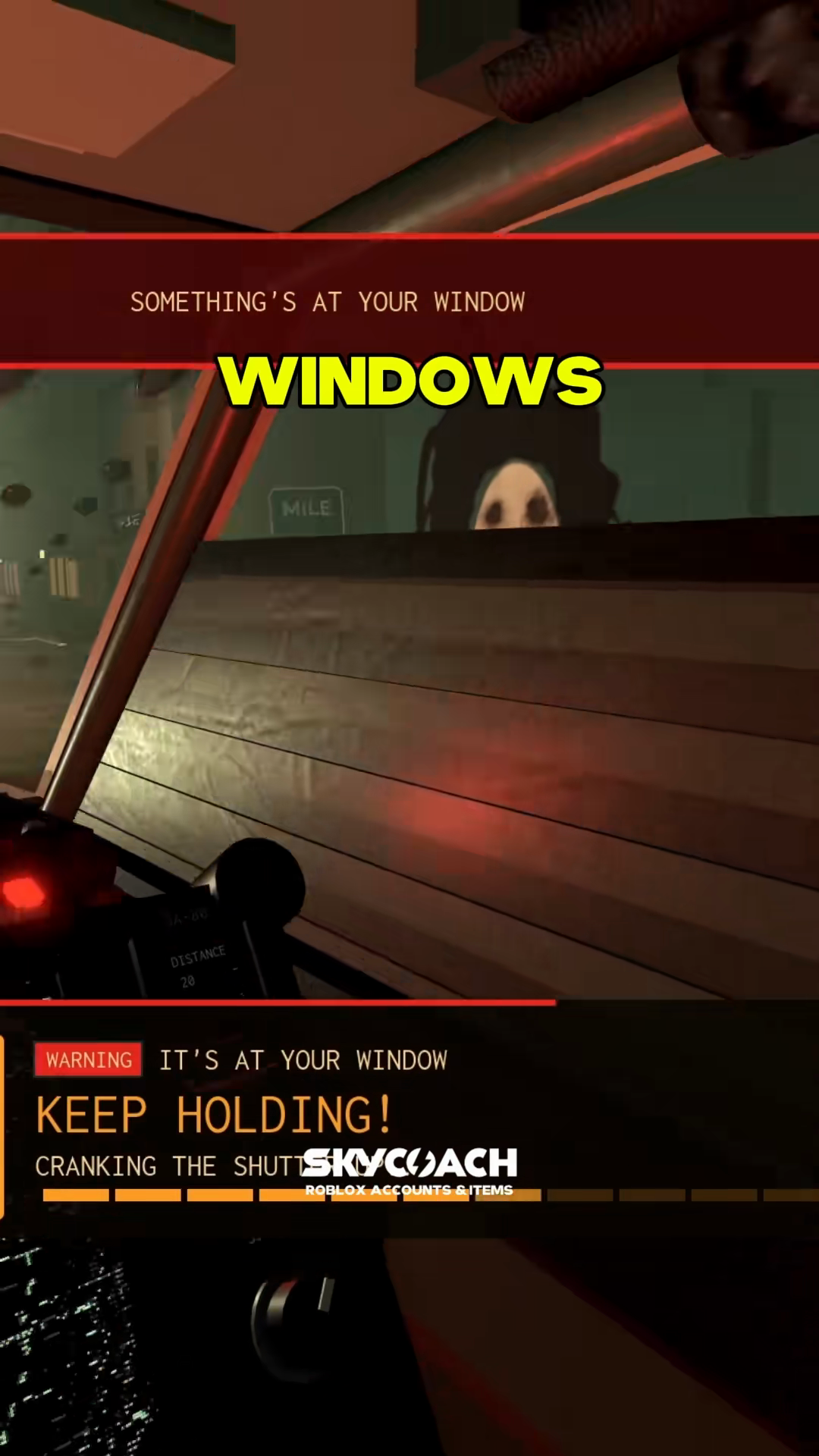
Follow the on-screen prompts during the encounter:
- Press and hold
Fimmediately: Respond as soon as the prompt appears on screen. - Keep steering along the road: Continue guiding the car along the asphalt while maintaining forward motion.
- Watch the progress bar: The prompt text updates to
KEEP HOLDING! CRANKING THE SHUTTER UPwhile the bar fills horizontally. - Follow through until clear: Keep holding
Fwhile the bar advances until the prompt clears from the screen. - Resume full focus on the road: Once the warning clears, focus on oncoming corners and road markers.
In solo runs, holding F while steering requires hand coordination. Position your hand so your fingers can reach F while steering with A and D and tapping Space for drifts.
Recovery Advice After Being Caught
If the entity overtakes your vehicle, the run transitions to the SIGNAL LOST screen.
- Check your mile marker: The caught screen displays the mile marker where your attempt ended. Passing roadside mile signs establishes intermediate rewind points if retries remain available.
- Review your retry options: If a
Retry from Mileoption appears, you can resume from your last passed roadside mile sign instead of restarting from Mile 0. Read how retries work in /guides/signal-lost-and-retries. - Understanding the creature: To learn more about official announcements regarding the entity, read our overview on /steeple.
Review keybinds and vehicle control tips on /guides/controls-and-drifting to prepare for unexpected alerts.